
Презентація до теми Communication technologies. Useful inventions.

COMMUNICATION TECHNOLOGIES. Useful inventions. Підготувала викладач англійської мови Лісовська Олена Іванівна

МЕТАнавчальна - ознайомити з новими лексичними одиницями по темі; удосконалювати техніку читання; розвиваюча - розвивати навички монологічного й діалогічного мовлення; розвивати ерудицію учнів; розширювати кругозір учнів; виховна - виховувати інтерес до новітніх технологій; розвивати активну життєву позицію:
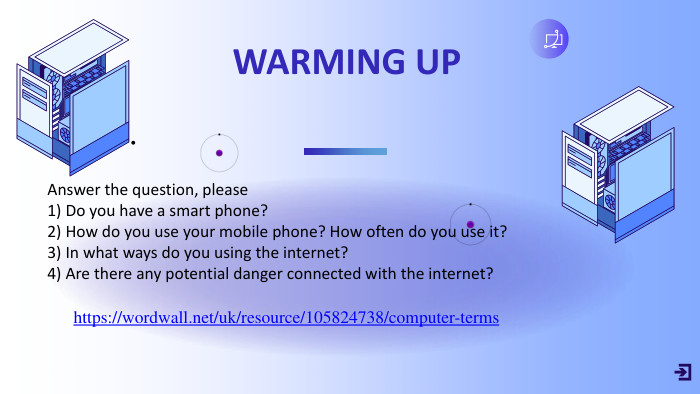
Answer the question, please1) Do you have a smart phone?2) How do you use your mobile phone? How often do you use it?3) In what ways do you using the internet?4) Are there any potential danger connected with the internet?https://wordwall.net/uk/resource/105824738/computer-terms. WARMING UP•
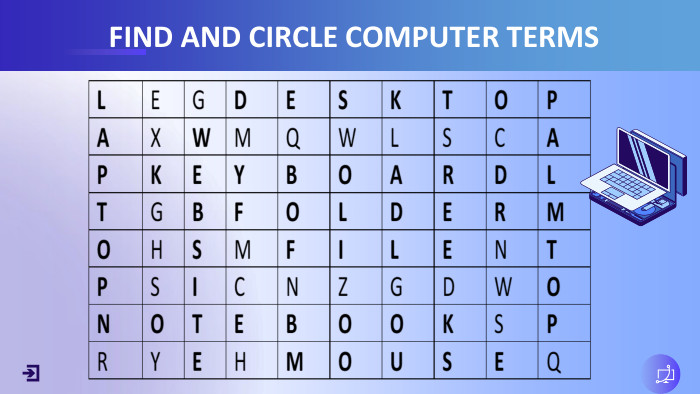
FIND AND CIRCLE COMPUTER TERMS
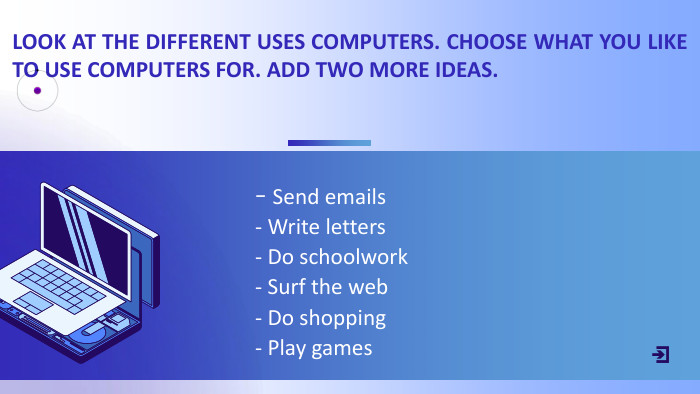
- Send emails- Write letters- Do schoolwork- Surf the web- Do shopping- Play games. LOOK AT THE DIFFERENT USES COMPUTERS. CHOOSE WHAT YOU LIKE TO USE COMPUTERS FOR. ADD TWO MORE IDEAS.
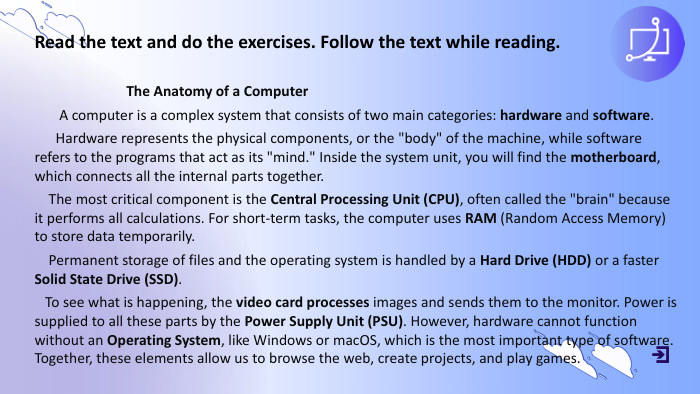
Read the text and do the exercises. Follow the text while reading. The Anatomy of a Computer A computer is a complex system that consists of two main categories: hardware and software. Hardware represents the physical components, or the "body" of the machine, while software refers to the programs that act as its "mind." Inside the system unit, you will find the motherboard, which connects all the internal parts together. The most critical component is the Central Processing Unit (CPU), often called the "brain" because it performs all calculations. For short-term tasks, the computer uses RAM (Random Access Memory) to store data temporarily. Permanent storage of files and the operating system is handled by a Hard Drive (HDD) or a faster Solid State Drive (SSD). To see what is happening, the video card processes images and sends them to the monitor. Power is supplied to all these parts by the Power Supply Unit (PSU). However, hardware cannot function without an Operating System, like Windows or mac. OS, which is the most important type of software. Together, these elements allow us to browse the web, create projects, and play games.
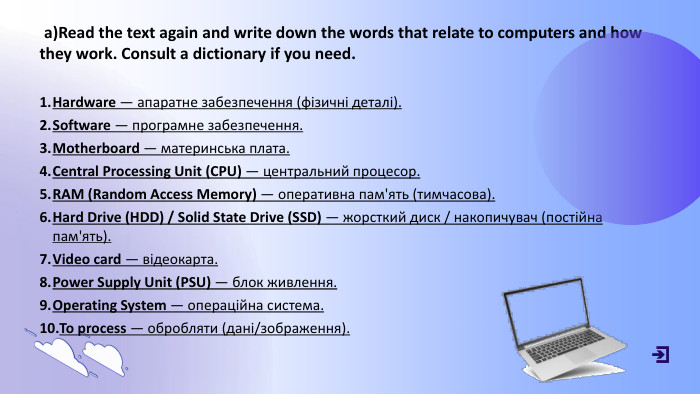
a)Read the text again and write down the words that relate to computers and how they work. Consult a dictionary if you need. Hardware — апаратне забезпечення (фізичні деталі). Software — програмне забезпечення. Motherboard — материнська плата. Central Processing Unit (CPU) — центральний процесор. RAM (Random Access Memory) — оперативна пам'ять (тимчасова). Hard Drive (HDD) / Solid State Drive (SSD) — жорсткий диск / накопичувач (постійна пам'ять). Video card — відеокарта. Power Supply Unit (PSU) — блок живлення. Operating System — операційна система. To process — обробляти (дані/зображення).
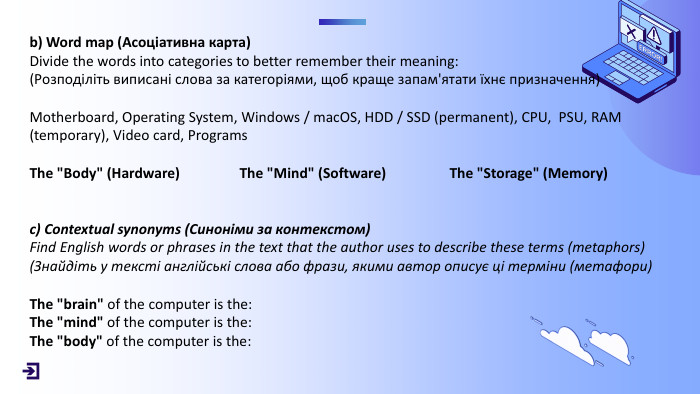
b) Word map (Асоціативна карта)Divide the words into categories to better remember their meaning:(Розподіліть виписані слова за категоріями, щоб краще запам'ятати їхнє призначення)Motherboard, Operating System, Windows / mac. OS, HDD / SSD (permanent), CPU, PSU, RAM (temporary), Video card, Programs. The "Body" (Hardware) The "Mind" (Software) The "Storage" (Memory) c) Contextual synonyms (Синоніми за контекстом)Find English words or phrases in the text that the author uses to describe these terms (metaphors)(Знайдіть у тексті англійські слова або фрази, якими автор описує ці терміни (метафори)The "brain" of the computer is the: The "mind" of the computer is the: The "body" of the computer is the:
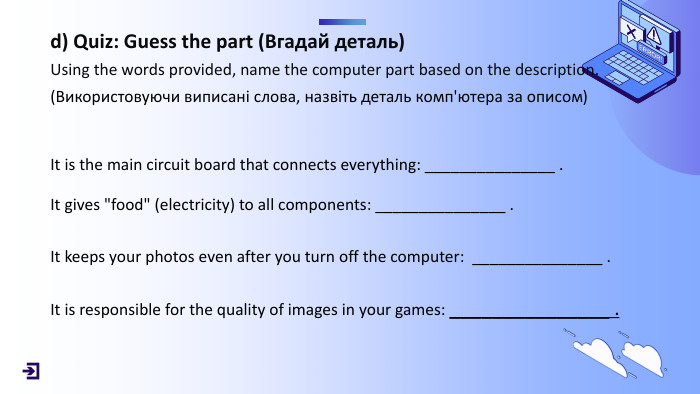
d) Quiz: Guess the part (Вгадай деталь)Using the words provided, name the computer part based on the description.(Використовуючи виписані слова, назвіть деталь комп'ютера за описом) It is the main circuit board that connects everything: _______________ . It gives "food" (electricity) to all components: _______________ . It keeps your photos even after you turn off the computer: _______________ . It is responsible for the quality of images in your games: _______________ .
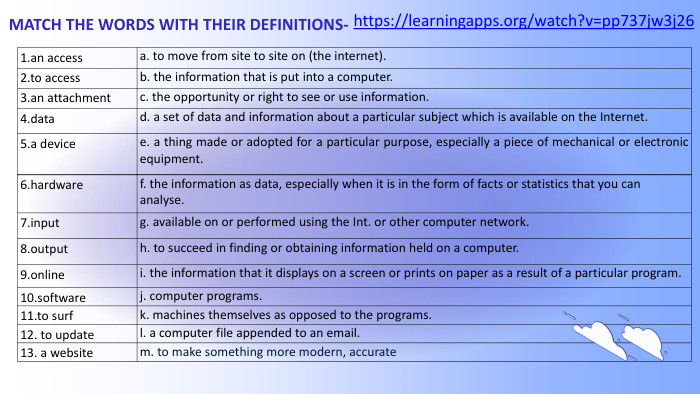
MATCH THE WORDS WITH THEIR DEFINITIONS- 1.an accessa. to move from site to site on (the internet).2.to accessb. the information that is put into a computer.3.an attachmentc. the opportunity or right to see or use information.4.datad. a set of data and information about a particular subject which is available on the Internet.5.a devicee. a thing made or adopted for a particular purpose, especially a piece of mechanical or electronic equipment.6.hardwaref. the information as data, especially when it is in the form of facts or statistics that you can analyse.7.inputg. available on or performed using the Int. or other computer network.8.outputh. to succeed in finding or obtaining information held on a computer.9.onlinei. the information that it displays on a screen or prints on paper as a result of a particular program.10.softwarej. computer programs.11.to surfk. machines themselves as opposed to the programs.12. to update l. a computer file appended to an email.13. a websitem. to make something more modern, accuratehttps://learningapps.org/watch?v=pp737jw3j26

9478111065321


THANKS FOR ATTENTION. Good-bye.
про публікацію авторської розробки
Додати розробку